
11 Best Customer Journey Mapping Tools for 2025
Discover the top 11 customer journey mapping tools for 2025. Compare features, pricing, and find the perfect platform to visualise and improve your CX.
Let's be honest, you've tried it. You opened a spreadsheet or a slide deck, determined to finally visualise your customer's experience. At first, it seemed like a good idea. But soon, you were wrestling with merged cells, clunky shapes, and a static document that was outdated the moment you shared it. That's the problem with using generic software for a specific, dynamic task-it’s disconnected, difficult to collaborate on, and impossible to link to real customer data.
This is where dedicated customer journey mapping tools come in. They transform messy diagrams into a living, centralised source of truth that your entire organisation can use. Instead of a static picture, you get an interactive hub for understanding pain points, identifying opportunities, and aligning your team around the customer. Think of it as upgrading from a paper map to a live GPS.
In this guide, we'll cut through the noise and get straight to the point. We've analysed the best platforms on the market, from specialised journey mapping software to flexible online whiteboards. For each tool, you'll find direct links, honest pros and cons, and practical use cases tailored for businesses here in Germany and across Europe. Our goal is simple: to help you find the perfect tool to move beyond spreadsheets and start creating truly impactful customer experiences.
1. Smaply
Smaply is a dedicated, purpose-built platform that moves beyond simple diagrams to offer a structured environment for managing your entire customer experience (CX) ecosystem. It's less of a digital whiteboard and more of a strategic repository, perfect for teams looking to professionalise their CX efforts and scale their insights across an organisation. This focus on structure helps prevent the "whiteboard sprawl" that can plague less specialised tools.
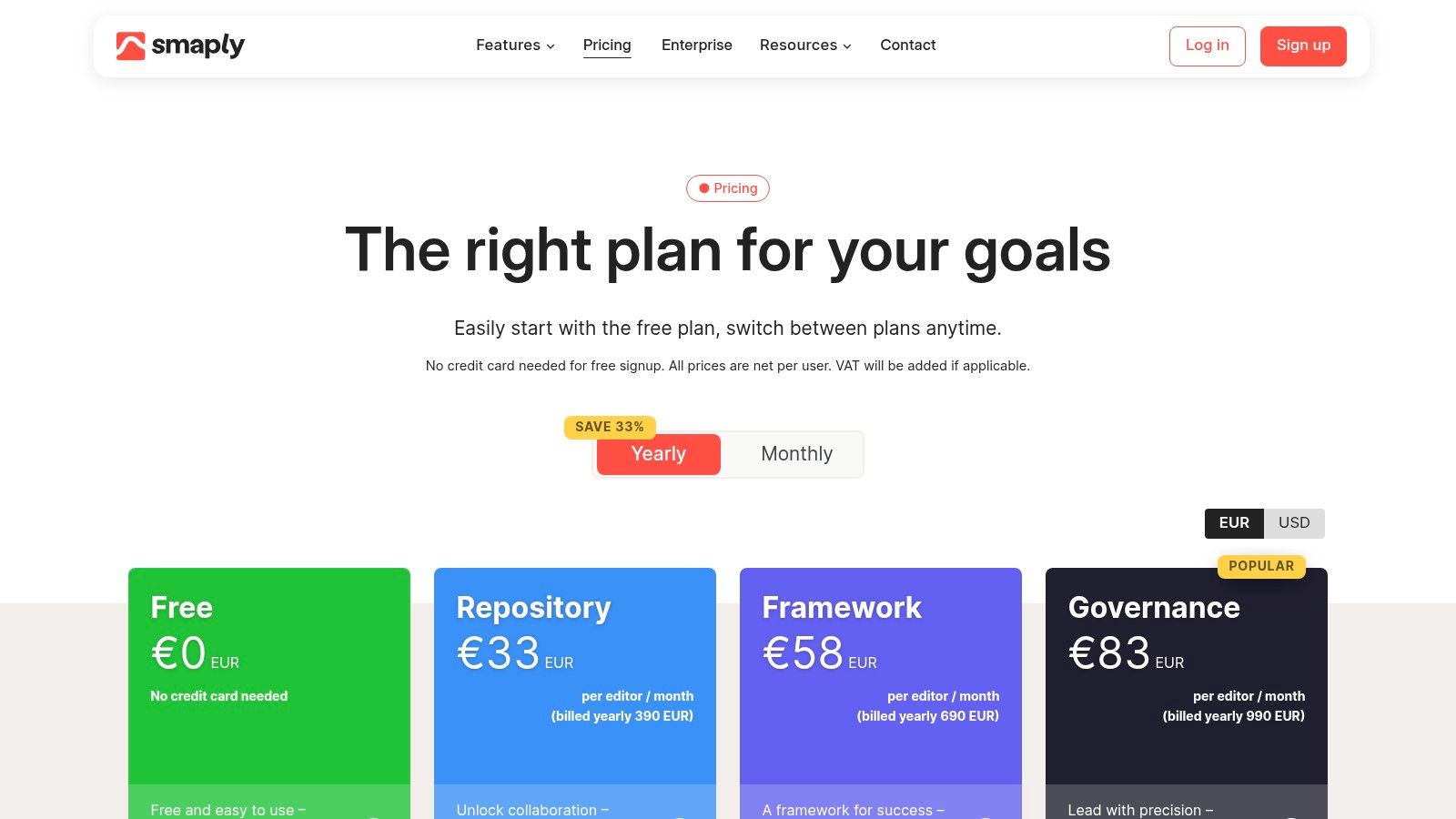
It stands out as one of the best customer journey mapping tools for its mature feature set, which includes detailed personas, stakeholder maps, and powerful portfolio management. You can connect your maps to real-time data through integrations with Power BI, Jira, and Azure DevOps, turning static visuals into dynamic operational dashboards. This makes it ideal for CX professionals who need to demonstrate the impact of their work and prioritise initiatives effectively. For EU-based companies, Smaply’s commitment to GDPR and data residency provides crucial peace of mind.
Key Details & Pricing
- Best For: CX teams needing a structured, scalable repository for journey maps, personas, and stakeholder insights.
- Pros: Prevents messy, unstructured maps; mature feature set for serious CX management; transparent pricing with a very useful free tier.
- Cons: The interface is more opinionated and less freeform than a typical whiteboard; viewer seats are only included in paid plans.
- Pricing: Offers a generous Free plan for one project. Paid plans start at €29/month per editor for the Basic plan, with Pro and Enterprise tiers adding advanced features and integrations.
2. UXPressia
UXPressia is an all-in-one cloud solution designed to visualise and manage customer, user, and buyer journeys. It strikes a balance between the structured approach of a dedicated tool and the flexibility needed for creative workshops. The platform is particularly well-suited for agencies, consultants, and mid-sized teams who need a professional, collaborative space without the heavy infrastructure of enterprise-level software. Its extensive template library provides a huge head start for teams new to the process.
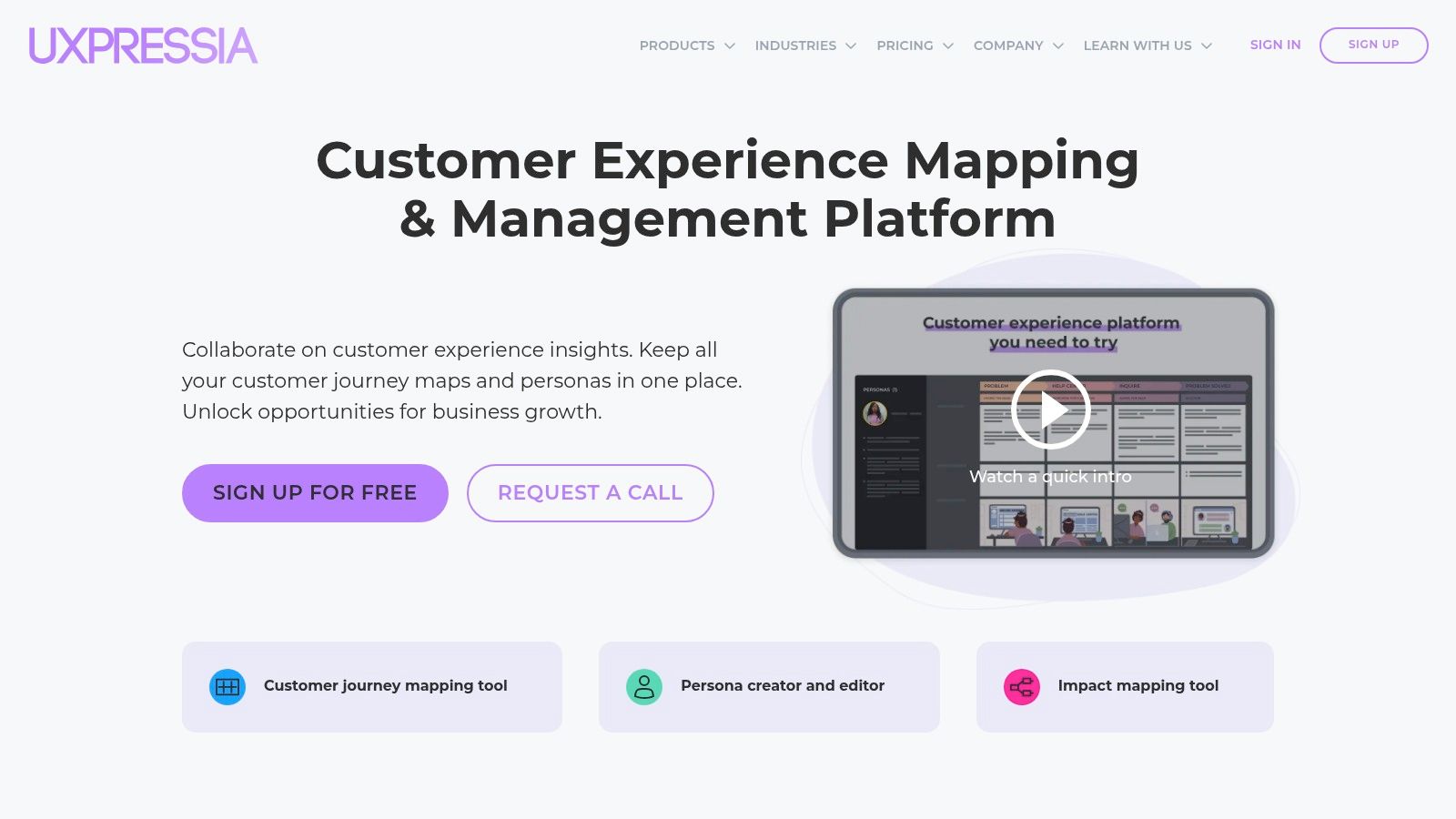
What makes UXPressia stand out is its strong focus on education and practical application. Beyond the tool itself, its ecosystem includes an academy with courses, webinars, and robust documentation, making it one of the best customer journey mapping tools for teams looking to build their CX capabilities from the ground up. Features like its powerful presentation mode and various export options (PDF, CSV, PPTX) make it easy to share insights with stakeholders who aren't in the tool every day. This focus on communication and learning helps embed customer-centric thinking across an organisation.
Key Details & Pricing
- Best For: Agencies, consultants, and SMBs who need a versatile tool with strong educational resources and presentation features.
- Pros: Excellent template library and onboarding materials; great value Pro tier for freelancers and small teams; active support and product documentation.
- Cons: Free plan has significant limits on collaboration and document counts; some enterprise controls are reserved for higher-tier plans.
- Pricing: A Free plan is available for one project. The Pro plan starts at $20/month per user (billed monthly), with Business and Enterprise tiers offering advanced collaboration and security features.
3. TheyDo
TheyDo is an enterprise-grade journey management platform designed to standardise and scale customer experience efforts across an entire organisation. It moves beyond simple mapping to provide a system of record for all journeys, complete with governance, taxonomy, and opportunity scoring. This makes it a powerful choice for large companies aiming to align multiple business units around a single, unified view of the customer, preventing siloed efforts and inconsistent experiences.
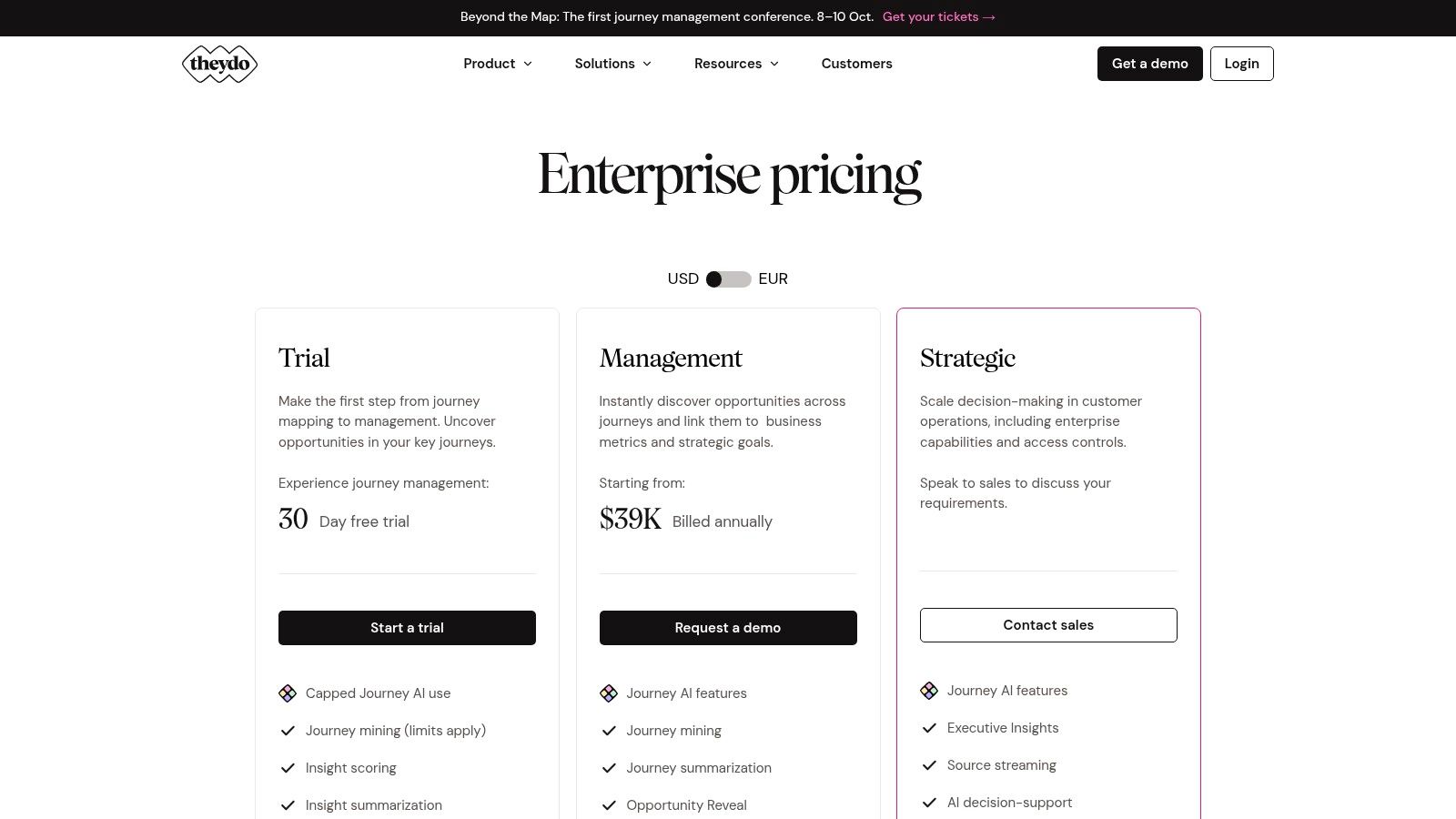
As one of the more advanced customer journey mapping tools, TheyDo stands out for its focus on operationalisation. Features like journey mining, AI-powered summarisation, and "Opportunity Reveal" help teams pinpoint and prioritise the most impactful improvements. With integrations for Jira and Qualtrics, it connects CX insights directly to development and feedback channels, closing the loop between understanding and action. Its EU foundation and GDPR orientation also make it a secure choice for European enterprises concerned with data governance.
Key Details & Pricing
- Best For: Large enterprises seeking to establish a centralised, scalable journey management system with robust governance.
- Pros: Designed for organisation-wide alignment; strong governance and taxonomy features for scaling; a generous 30-day trial for up to five users.
- Cons: The high entry price makes it inaccessible for smaller teams; feature set is likely overkill for simple journey mapping needs.
- Pricing: The Management plan is €1,250/month (billed annually) for a core team with unlimited viewers. A Free plan is available for individuals, and custom Enterprise plans are also offered.
4. Custellence
Custellence is a beautifully simple and intuitive customer journey mapping tool designed for clarity, collaboration, and speed. It strips away unnecessary complexity to deliver a focused experience, allowing teams to go from a blank canvas to a professional-looking map in minutes. The platform is built to make sharing insights effortless, which is a major advantage for organisations trying to build a customer-centric culture.
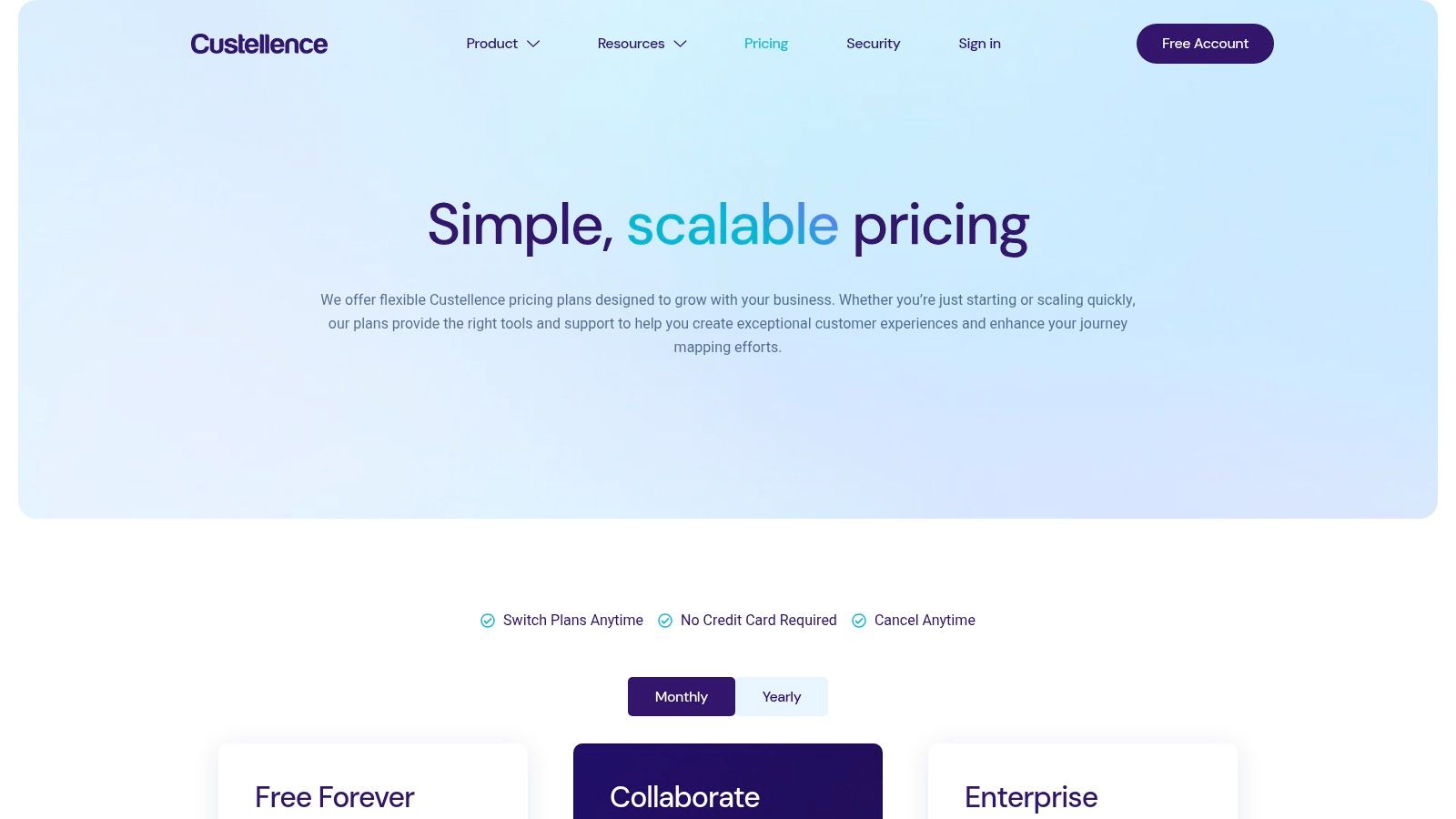
Its standout feature is the generous approach to collaboration; even the free plan offers unlimited viewers. This makes Custellence one of the best customer journey mapping tools for workshops and company-wide presentations where you need broad visibility without paying for extra seats. For European businesses, its commitment to SOC 2 compliance provides an essential layer of security and trust. With features like map hierarchies and a polished presentation mode, it’s ideal for teams who value simplicity and professional outputs over deep data integrations.
Key Details & Pricing
- Best For: Teams and consultants who need to create and share visually appealing journey maps quickly without a steep learning curve.
- Pros: Very low learning curve for rapid map production; unlimited viewers on all plans enable widespread stakeholder sharing; transparent and straightforward pricing.
- Cons: Fewer advanced analytics and management features than enterprise suites; limited native integrations compared to larger platforms.
- Pricing: A Free plan is available for one journey map. The Standard plan is $29/editor per month, and the Professional plan at $49/editor per month adds advanced permissions and features.
5. Milkymap
Milkymap is an accessible and opinionated customer journey mapping tool designed for clarity and speed, particularly for freelancers, small teams, and EU-based businesses. It centres its approach around a proprietary “Galaxy” framework, which provides a structured, lifecycle-based template for building maps. This prevents the blank-canvas problem and guides users toward a more standardised, easy-to-understand output.
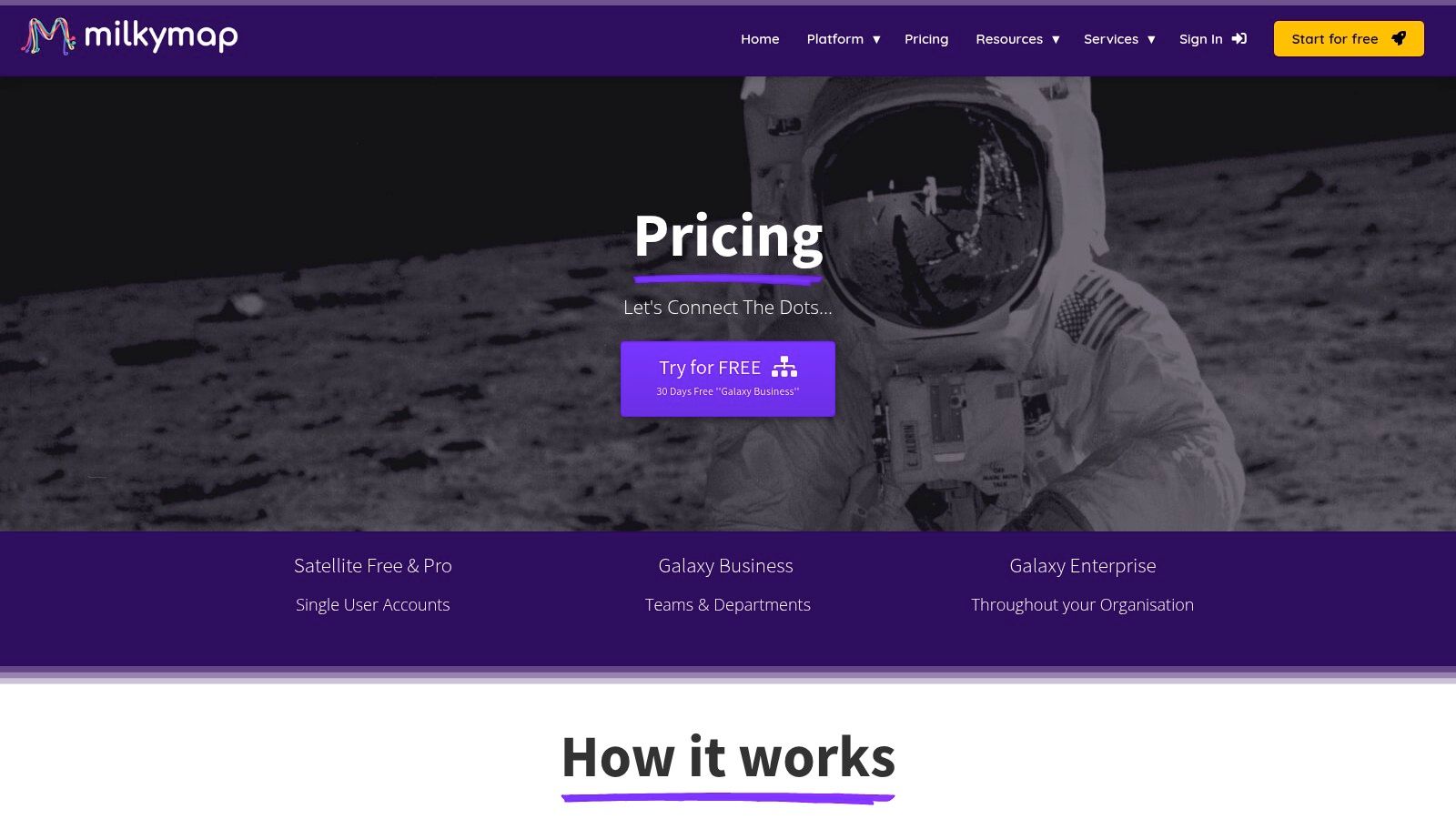
What makes Milkymap one of the most interesting customer journey mapping tools is its integration of an AI assistant, MilkyAi, designed to help generate ideas and populate sections of the map. This feature is a significant productivity booster for teams short on time or resources. Its focus on collaboration, presentation modes, and a strong European presence make it a compelling choice for organisations that need a straightforward, affordable, and GDPR-compliant solution without the complexity of enterprise-level platforms.
Key Details & Pricing
- Best For: Freelancers, SMBs, and EU-based teams looking for an affordable, structured mapping tool with AI assistance.
- Pros: Very affordable entry point; clear, easy-to-understand pricing and packaging; strong compliance focus for the EU market.
- Cons: Fewer enterprise-grade integrations compared to larger tools; smaller ecosystem and community than popular whiteboards.
- Pricing: A Solo plan is available for €14/month. The Business plan is €42/month for 3 editors, with a 30-day free trial available. Enterprise pricing is custom.
6. JourneyTrack
JourneyTrack is an end-to-end enterprise journey management platform built for organisations that demand robust security and AI-driven insights. It moves beyond simple visualisation, offering a structured environment for managing complex customer experience ecosystems with features like a Journey Atlas and health metrics. This platform is specifically designed for regulated operations, making it a strong choice for sectors like finance, healthcare, and government.
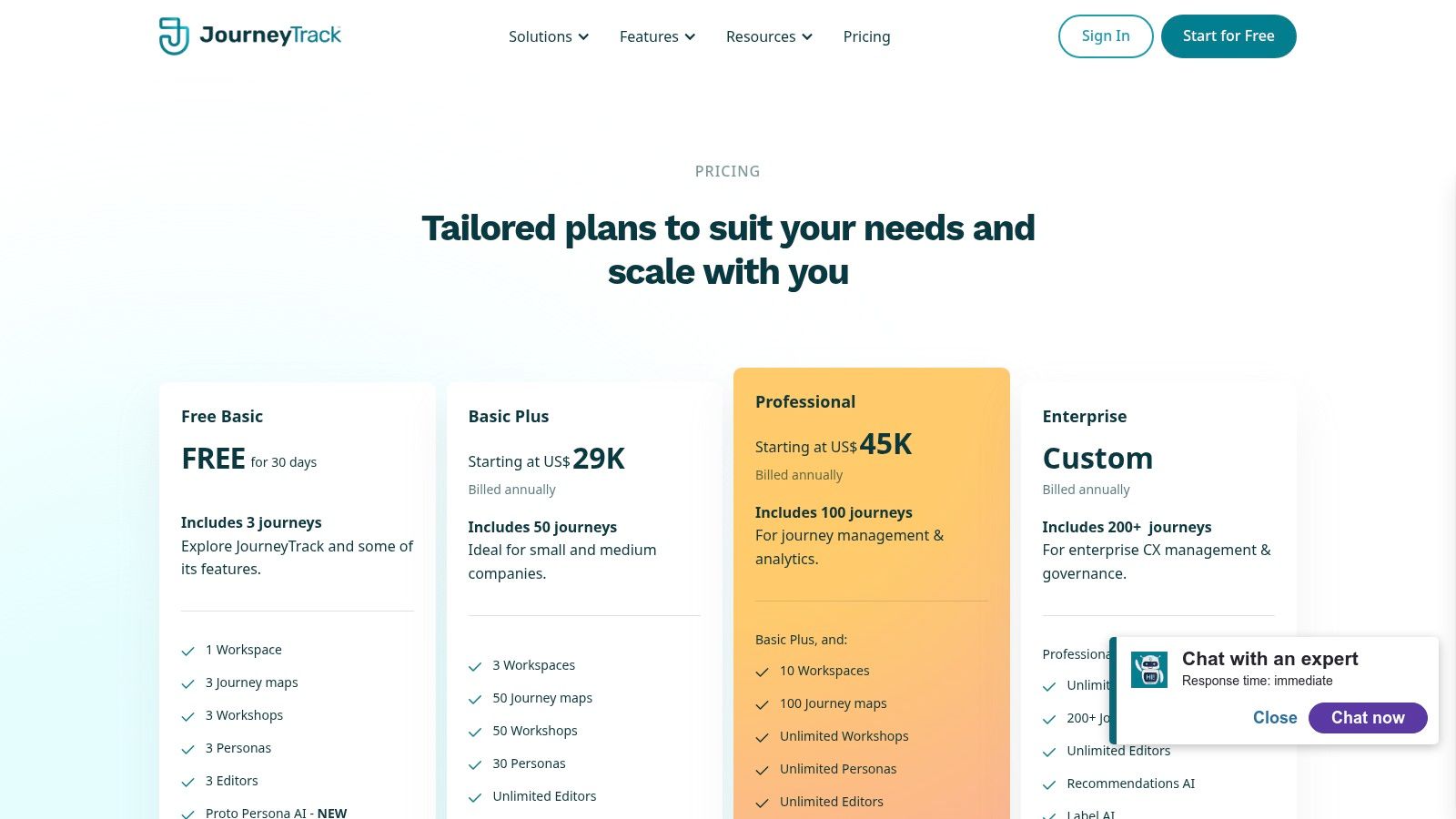
It stands out among customer journey mapping tools for its powerful AI suite, which assists with persona creation, journey mapping, and even storytelling to help communicate insights across the business. With enterprise-grade features like SOC 2 and ISO 27001 compliance, role-based security, and SSO, it’s tailored for large teams that need to govern access and ensure data integrity. The focus on opportunity scoring and segmentation helps teams directly link CX efforts to business outcomes, justifying investment and prioritising high-impact initiatives.
Key Details & Pricing
- Best For: Enterprise and mid-market teams in regulated industries needing AI-powered insights and strong security.
- Pros: Rich AI feature set for journeys and personas; strong security credentials (SOC 2, ISO 27001); scales well across multiple teams and journey atlases.
- Cons: Pricing is aimed at larger budgets, making it less accessible for small businesses; more complex onboarding than simple whiteboard tools.
- Pricing: JourneyTrack does not publicly list prices. You must contact their sales team for a custom quote based on your organisation's needs.
7. SAP Signavio Journey Modeler
SAP Signavio Journey Modeler is part of the extensive SAP Signavio Business Transformation Suite, offering a powerful enterprise-grade solution that connects customer journeys directly to underlying business processes. It moves beyond simple visualisation, focusing on operationalising CX by linking journey touchpoints to the specific process models that support them. This approach is ideal for large organisations looking to align customer experience initiatives with their core operational frameworks and standardisation efforts.

What makes it stand out among other customer journey mapping tools is its deep integration within the SAP ecosystem, allowing teams to analyse sentiment, track KPIs, and connect journey performance to real business outcomes. This is less a standalone mapping tool and more a central component of a wider business process intelligence strategy. For companies already invested in SAP, particularly in the German and European markets, it provides a unified platform with robust governance, support, and extensive training resources via the SAP Help Portal, ensuring CX is not just a diagram but a driver of operational improvement.
Key Details & Pricing
- Best For: Large enterprises, especially those already using SAP, that need to connect customer journeys to internal business processes.
- Pros: Strong alignment with SAP standardisation efforts; emphasis on operationalising customer journeys; robust enterprise support and training.
- Cons: Pricing is not publicly available and requires engagement with SAP sales; implementation can be heavier compared to standalone CJM apps.
- Pricing: Pricing is quote-based and requires contacting the SAP sales team for a custom proposal.
Visit SAP Signavio Journey Modeler
8. Miro
Miro has become the go-to digital whiteboard for millions, and its flexibility makes it a powerful, accessible entry point for customer journey mapping. It's less of a specialised CX tool and more of a collaborative canvas where journey maps are just one of many possible projects. This makes it perfect for teams who already use Miro for brainstorming, workshops, and project planning and want to centralise their activities in one familiar space.
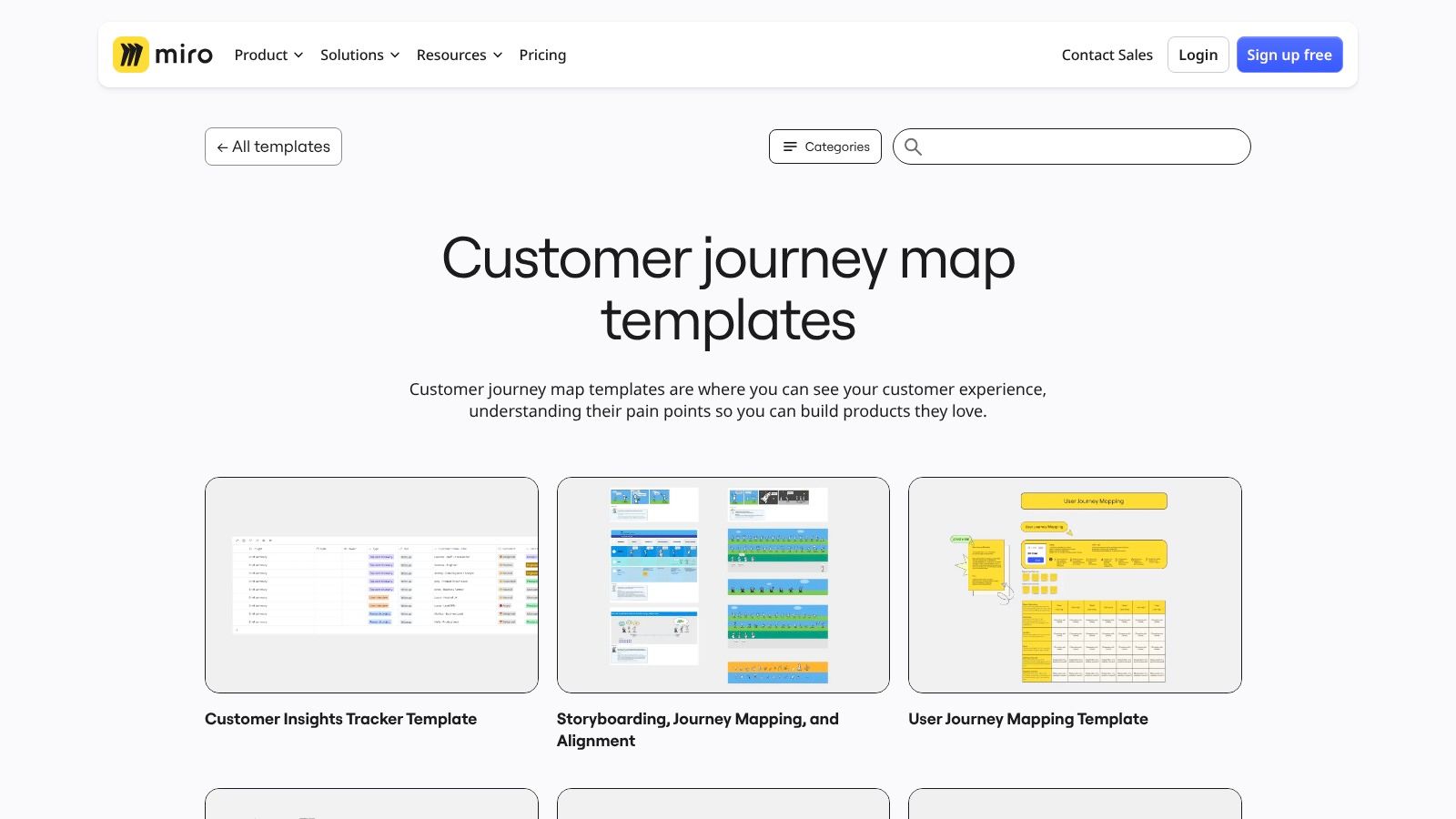
While not purpose-built like others on this list, Miro excels as one of the best customer journey mapping tools for workshops and initial ideation. Its vast template library, including multiple journey map layouts, allows teams to get started in minutes. The platform's strength lies in its real-time collaboration features, allowing cross-functional teams and external stakeholders to contribute seamlessly. The freeform nature encourages creativity, but it lacks the structured repository features needed for managing a large portfolio of interconnected maps and personas over the long term.
Key Details & Pricing
- Best For: Teams needing a flexible, collaborative whiteboard for workshops and creating initial journey maps alongside other project visuals.
- Pros: Widely adopted and familiar to many users; extensive template ecosystem facilitates rapid starts; competitive per-user pricing tiers.
- Cons: Less structured for managing a journey repository at scale; complex or large maps can become cluttered and difficult to navigate.
- Pricing: A generous Free plan is available for three editable boards. Paid plans start from $8 per member/month (billed annually) for the Starter plan, with Business and Enterprise plans offering advanced features.
9. Lucidchart
Lucidchart is a powerful, general-purpose diagramming and visual collaboration suite that has become a staple in many corporate environments. While not a dedicated journey mapping platform, its versatility and extensive library of templates make it a strong contender, particularly for organisations already embedded in its ecosystem. It excels at creating polished, professional-looking diagrams that integrate seamlessly with other business documentation.
It stands out as one of the best customer journey mapping tools for teams that need more than just journey maps. Its ability to import and export Microsoft Visio files is a major advantage for enterprises looking to modernise their documentation. Deep integrations with Atlassian and Microsoft 365 mean your journey maps can live directly within your Confluence pages, Jira tickets, or Teams channels, making them accessible and actionable. This makes it a pragmatic choice for business analysts, project managers, and IT teams who value standardisation and integration over specialised CX features.
Key Details & Pricing
- Best For: Teams needing a versatile, enterprise-grade diagramming tool with strong integration capabilities.
- Pros: Familiar diagramming approach favoured by business users; strong export options and reasonable pricing; works seamlessly with Confluence and Jira.
- Cons: Less prescriptive journey mapping guidance compared to dedicated tools; advanced features require higher-tier subscriptions.
- Pricing: A Free plan is available for basic use. Paid plans start at €8/month per user for the Individual plan, with Team and Enterprise tiers offering advanced collaboration and security features.
Visit Lucidchart
10. FigJam by Figma
FigJam is Figma’s online whiteboard, designed for real-time, freeform collaboration. While not a specialised journey mapping tool, it has become a go-to for teams already embedded in the Figma ecosystem. Its strength lies in bringing designers, product managers, and developers into the same space to brainstorm, ideate, and visualise customer experiences using a vast library of community-created templates.
It excels as one of the best customer journey mapping tools for its seamless integration with Figma Design and Dev Mode, allowing teams to link journey stages directly to wireframes, prototypes, and code snippets. This creates a cohesive workflow from initial concept to final implementation. The experience is enhanced with dynamic features like audio chat and emotes, making remote workshops feel more interactive and organised. For teams that value flexibility and design-centric collaboration, FigJam offers a powerful and cost-effective solution.
Key Details & Pricing
- Best For: Design-led teams and organisations already using Figma that need a collaborative space for brainstorming and mapping.
- Pros: Seamless integration with Figma Design and Dev Mode; huge community library of templates and widgets; attractive pricing, especially for collaboration-focused seats.
- Cons: It's not a dedicated journey management repository; upcoming admin and billing changes may require planning for seat allocation.
- Pricing: A Free plan is available with 3 FigJam files. Paid plans start at €3 per editor/month for Figma Professional, with Organisation and Enterprise tiers offering advanced features.
11. Mural
Mural is a visual collaboration powerhouse, extending far beyond simple diagrams to become a central hub for remote workshops and creative co-creation. While not exclusively a journey mapping tool, its strength lies in its expansive library of templates and facilitation features. This makes it an ideal environment for teams who want to build journey maps collaboratively, run ideation sessions, and gather real-time feedback in one dynamic space.
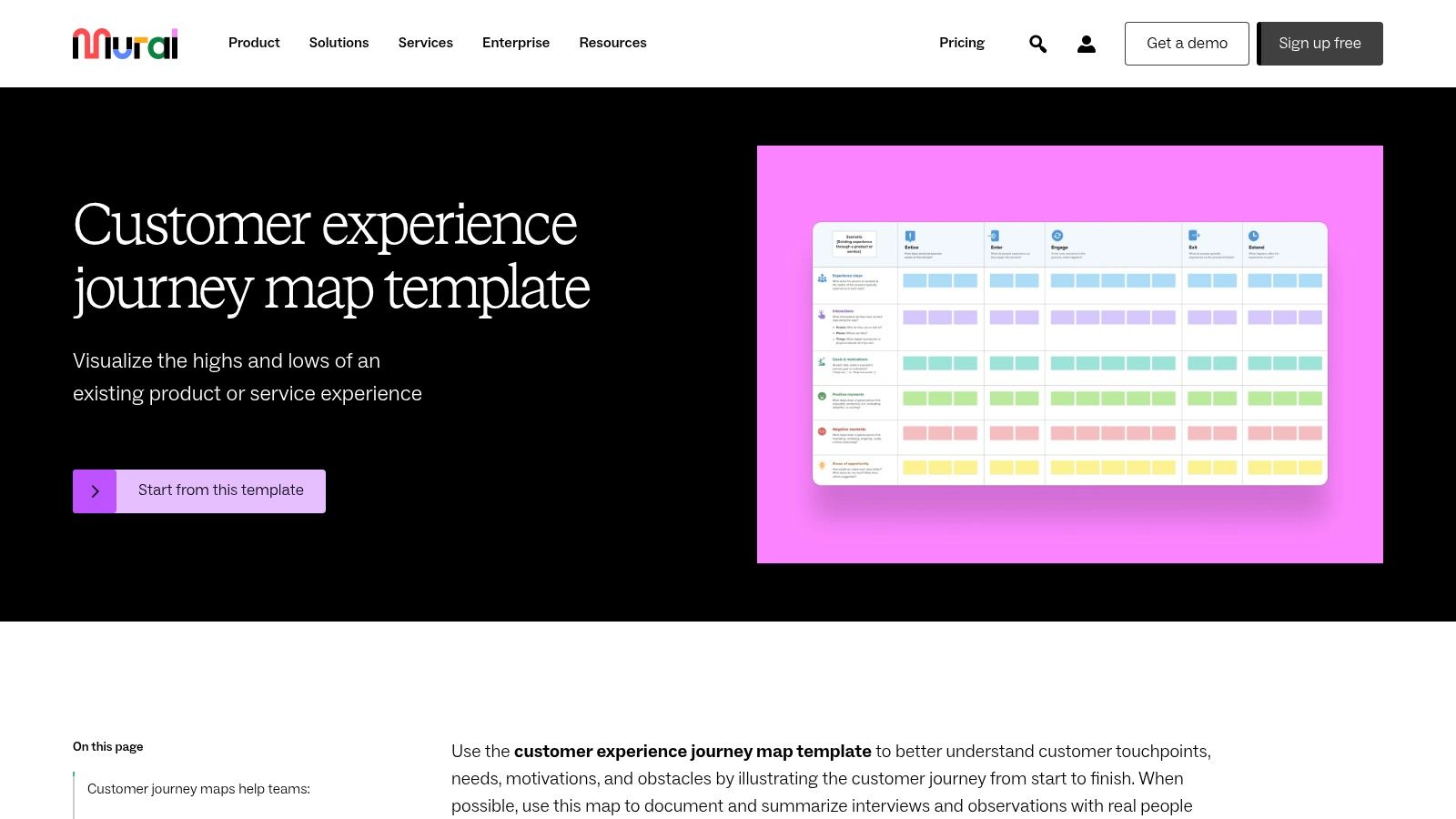
What sets Mural apart is its focus on the interactive workshop experience. Features like timers, voting, and private brainstorming modes are built-in, transforming a static mapping exercise into an engaging, productive session. This makes it one of the best customer journey mapping tools for cross-functional teams that need to align and ideate together. Inviting external stakeholders is simple with unlimited visitors on paid plans, allowing you to bring customers directly into the creation process without friction.
Key Details & Pricing
- Best For: Teams that prioritise collaborative, workshop-style journey mapping and creative brainstorming.
- Pros: Excellent for live workshop facilitation; easy external collaboration with unlimited visitors; competitive pricing for team plans.
- Cons: Less structured governance for CX programmes compared to dedicated platforms; advanced admin features are gated behind higher-tier plans.
- Pricing: Offers a Free plan with three murals. The Team+ plan is $9.99 per member/month, with Business and Enterprise tiers for advanced security and support.
Customer Journey Mapping Tools Comparison
| Tool | Core Features ✨ | User Experience & Quality ★★★★☆ | Value Proposition 💰 | Target Audience 👥 | Unique Selling Points 🏆 | Price Points 💰 | | ---------------------------- | ------------------------------------------------------- | ------------------------------------------------ | ------------------------------------------- | ----------------------------------- | --------------------------------------------- | ---------------------------------- | | Smaply | Advanced journey maps, personas, 20+ integrations | Clear structure, mature CX features | Transparent pricing, free tier | EU orgs prioritizing GDPR | GDPR-focused, portfolio mgmt, exports | Free tier + paid for viewers | | UXPressia | Unlimited maps (Pro), templates, team libraries | Strong onboarding, active support | Good value for consultants, freelancers | Agencies, mid-sized teams | Learning ecosystem, extensive templates | Free limited, Pro & Business tiers | | TheyDo | Journey mining, AI insights, governance | Enterprise-grade, org-wide alignment | Robust org governance for large enterprises | Large enterprises | AI scoring, unlimited viewers/editors | High entry price | | Custellence | Map hierarchies, roles, unlimited viewers | Easy to learn, quick polished maps | Transparent monthly/yearly pricing | European teams, broad stakeholders | Unlimited free viewers, SOC 2 compliance | Simple transparent pricing | | Milkymap | Lifecycle "Galaxy" framework, AI assistant | Affordable, easy to understand | Tailored for freelancers and SMBs | Freelancers, SMBs, EU-focused | AI assistant, lifecycle modeling framework | Very affordable | | JourneyTrack | AI-driven insights, opportunity scoring, security | Rich AI, strong security/compliance | Scales across workspaces for enterprises | Mid-market & enterprise | AI for journeys/personas, SOC2 & ISO27001 | Enterprise priced | | SAP Signavio Journey Modeler | Journey-process link, SAP integration | Robust enterprise support and governance | Best for SAP ecosystem users | German/EU enterprises using SAP | Deep SAP integration & analytics | Pricing on request | | Miro | CJM templates, 100+ app integrations | Widely adopted, flexible collaboration | Competitive per-user tiers | Broad teams needing flexible CJM | Large template marketplace | Subscription tiers | | Lucidchart | CJM templates, Visio compatibility, enterprise controls | Familiar diagramming UX, strong exports | Reasonably priced enterprise features | Business users & teams | Visio import/export, Confluence, Jira support | Tiered subscriptions | | FigJam by Figma | CJM templates, real-time collaboration | Seamless Figma integration, large community | Attractive pricing for Figma users | Design & dev orgs using Figma | Integrated design & dev workflow | Free & paid collaboration seats | | Mural | CJM templates, facilitation tools | Workshop-focused UX, easy external collaboration | Competitive pricing for team collaboration | Remote teams, workshop facilitators | Facilitation aids, unlimited visitors | Free/Team+/Business tiers |
Choosing Your Tool: It's About the Process, Not Just the Platform
So, we've walked through a whole fleet of fantastic customer journey mapping tools, from dedicated powerhouses like Smaply and TheyDo to flexible digital whiteboards like Miro and Mural. It’s clear there’s no single “best” platform; the right choice is deeply personal to your team’s specific needs, budget, and where you are in your customer experience journey.
The biggest takeaway? Don’t get bogged down in a feature-for-feature comparison. Instead, focus on your primary goal. The tool is simply the vehicle; the real work and value come from the collaborative process of mapping itself. The discussions, the "aha!" moments, and the cross-departmental alignment you build are where the magic truly happens.
Your Quick Guide to Making a Choice
To cut through the noise, let's simplify the decision. Think about your main objective and use this as your starting point:
- For structured, in-depth journey repositories: If you need a "single source of truth" with detailed personas, stakeholder maps, and robust data integration, start your free trials with Smaply, UXPressia, or Custellence. These are purpose-built for creating a living library of customer insights.
- For seamless collaboration and workshops: If your immediate goal is to get your team together (in-person or remotely) for brainstorming and initial mapping, the infinite canvases of Miro, Mural, or FigJam are your best friends. They are intuitive, flexible, and built for creative teamwork.
- For integrating journeys into business operations: If you need to connect your customer journey map directly to business process management and organisational workflows, then a heavyweight tool like SAP Signavio Journey Modeler is the logical choice. It bridges the gap between customer experience and operational execution.
- For a simplified, process-driven approach: If you're new to mapping and want a guided, straightforward experience without overwhelming features, check out Milkymap or JourneyTrack. They prioritise the mapping process over a complex toolset.
Remember, the goal is to turn insights into action. As Jackson Ly, the mind behind growth systems at PioneerLogic and ViralPoint, often emphasises, understanding the customer journey is the first step to creating the meaningful, automated marketing systems that drive real ROI. Without that foundational understanding, even the most advanced tools are just expensive software. Your map should lead directly to improved processes, better content, and a more cohesive customer experience.
The best way forward is to simply begin. Pick two tools from the category that best fits your needs and sign up for a free trial. Get your team involved, map out a small part of a single journey, and see which platform’s workflow feels most natural. You’ll quickly discover which of these customer journey mapping tools is the right co-pilot for your team.